The short version of how to write a youtube script: pick the format and length, open with a hook you can deliver in roughly 15 seconds, build four to six named beats, plant one open loop, then close with a single ask.

Quick steps: write the script in one sitting
A script is a sequence of decisions, not a blank page you stare at. Lock the format first, then write in this order:
- Pick the format and target length — Shorts, standard talking-head or long-form tutorial — before you write a word.
- Write the hook: name the payoff and the reason to keep watching now.
- Draft the body as four to six beats, each one a section a viewer could name out loud.
- Plant one open loop in the first beat and pay it off before the last.
- Write the outro as a single ask, timed so it lands while the end screen is visible.
Everything below expands those five actions. The order matters. Writers who start in the middle usually bolt a hook on afterwards, and viewers can hear it. You will also draft faster, because each stage carries a decision rather than an invitation to be clever. Keep the first pass ugly and fix the rhythm later, out loud, with a timer running.
What to decide first: length, format and script style
Three decisions shape every line: how long the video runs, whether it is a Short or a standard upload, and how literally you script it. Settle them before drafting, because each one has a hard platform limit attached.
| Decision | Limit to work inside | What it changes in your script |
|---|---|---|
| Shorts length | The Shorts camera records one or more clips adding up to three minutes, per YouTube Help | One hook, one idea, no recap |
| Video title | Capped at 100 characters, per YouTube Help | The promise your hook must repeat in plain words |
| End screen eligibility | Video must be at least 25 seconds, per YouTube Help | Very short uploads need a spoken CTA instead |
| End screen window | Last 5–20 seconds of the video, per YouTube Help | Where your closing lines have to land |
| End screen elements | Up to four on a standard 16:9 video, per YouTube Help | How many closing asks you can script |
| Chapter length | Each manually added chapter must run at least 10 seconds, per YouTube Help | Minimum size for a scripted section |
According to YouTube Help, a YouTube video title is capped at 100 characters, so draft that title first and write a hook that pays it off in the viewer’s own words.
Then pick a script style. Word-for-word suits Shorts, explainers and anything where a fumbled sentence costs you the view. A beat sheet — one line per section, spoken freely — suits vlogs, reactions and interviews. A hybrid works for most tutorials: script the hook and outro word-for-word, bullet the middle. If vertical video is your main format, the mechanics of publishing Shorts from a phone or desktop will shape how you break the script into clips.
Step 1 — Write a hook that works in the first 15 seconds
What you need: your draft title, one sentence naming the viewer’s payoff, and a timer.
The hook has two jobs. Confirm that the viewer clicked the right video, and give a reason to stay past the first few lines. Skip the greeting, the channel name and the weather. Those belong after the hook, if anywhere.
Three patterns that hold up:
- Payoff first. State the result, then say you will show the steps. Example: "This script template filled a 10-minute tutorial in one evening — here is the structure."
- Contradiction. Name the common advice, then say why it fails. Works when your audience already has an opinion.
- Stakes. Name what goes wrong without the information, specifically, not vaguely.
Say the hook out loud and time it. If it runs past roughly 15 seconds, you are explaining instead of promising. Cut qualifiers before you cut nouns.
If you never appear on camera, the hook carries even more weight, because there is no face to hold attention — the economics of running a channel without showing your face depend on writing that earns the first 15 seconds.
(Optional) To hear the timing before you record, paste the hook into a text-to-speech tool and listen back. AI Studios, DeepBrain AI’s cloud platform for AI avatar videos, text-to-video and translations, offers more than 1,000 AI voices, reachable under Apps → AI Voices → Text to Speech. Use it to test pacing, not to pass a synthetic voice off as your own on-camera delivery.
Step 2 — Build the body: promise, beats and section order
What you need: the finished hook and an unsorted list of everything you know about the topic.
Write one promise sentence under the hook, for your eyes only: "By the end, the viewer can do X." Every beat that does not serve that sentence gets cut, however good the line is.
A beat is one idea with one job. Four to six beats fills a standard tutorial comfortably; a Short usually has one. Give each beat a name you could say out loud — "why the first draft is too long", not "part two".
Order them by the logic the viewer expects:
- How-to: chronological, in the order the viewer will act.
- Explainer: the order the questions arise in the viewer’s head, not the order you learned them.
- List or ranking: strongest second, weakest in the middle, second-strongest last.
End each beat with a sentence that leans into the next one. A beat that finishes on a full stop invites a click away; a beat that finishes on a question does not. Write those transition lines last, once the order stops moving.
Step 3 — Add retention beats: open loops, pattern breaks and chapter-sized sections
What you need: the beat list from Step 2 and something to mark it up with.
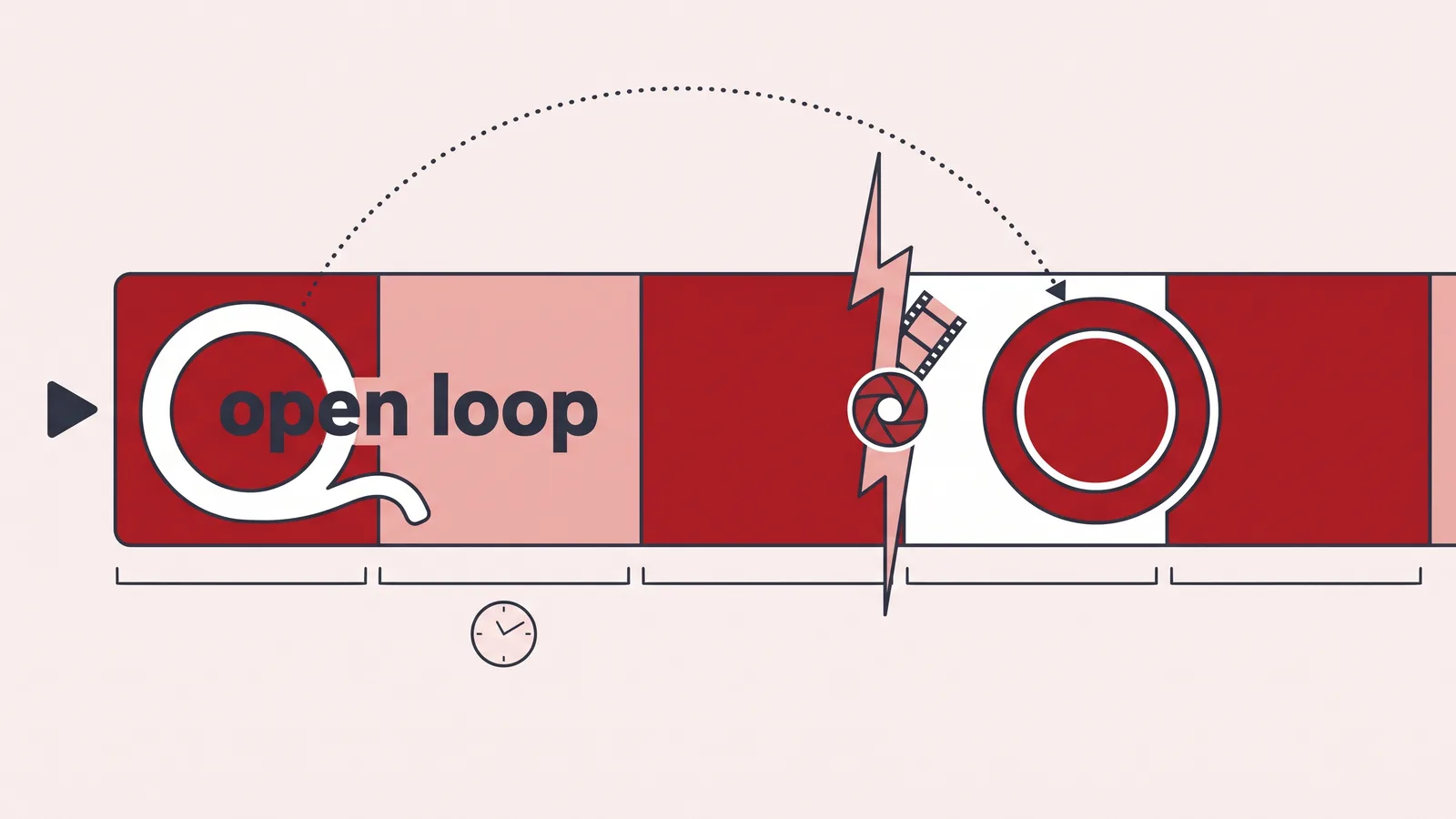
Retention beats are structural, not decorative. An open loop is a question raised early and answered later: "One of these five mistakes costs the most views — it is number four." Plant one in beat one, pay it off before the final beat, and never plant more than two in a short video.
A pattern break is any change the ear or eye notices: a cut to a demo, a B-roll sequence, a question asked directly, a change in pace. Mark them in the script where the energy sags — usually two-thirds of the way in.
According to YouTube Help, each manually added video chapter must run at least 10 seconds, so a scripted section shorter than that cannot become a chapter. Write beats long enough to earn their own timestamp, and the viewer gets a navigable video for free. If your sections keep disappearing from the player, the rules for chapters that actually appear on the video explain the rest of the requirements.
Step 4 — Write the outro and the end-screen call to action
What you need: the finished body and one decision about what you want the viewer to do next.
Stop teaching before the outro starts. Summarise in two sentences, maximum — a long recap is where viewers leave, and the retention curve shows it clearly.
Then make one ask. According to YouTube Help, end screens can only be placed in the last 5–20 seconds of a video, so your closing lines have to be written to fill that window and no more. YouTube Help also states that a video must be at least 25 seconds long to be eligible for an end screen at all, which rules it out for the shortest clips.
Keep the number of asks low. YouTube Help says you can add up to four elements to an end screen on a standard 16:9 video, but scripting four separate requests in 20 seconds leaves the viewer choosing nothing. One video suggestion plus one subscribe prompt is usually enough.
Point the ask at something specific. "Watch this next, it covers the part I skipped" beats "check out my other videos". New channels often send that click to an introduction video — the mechanics of a channel trailer that converts browsers into subscribers apply to the end-screen destination too.
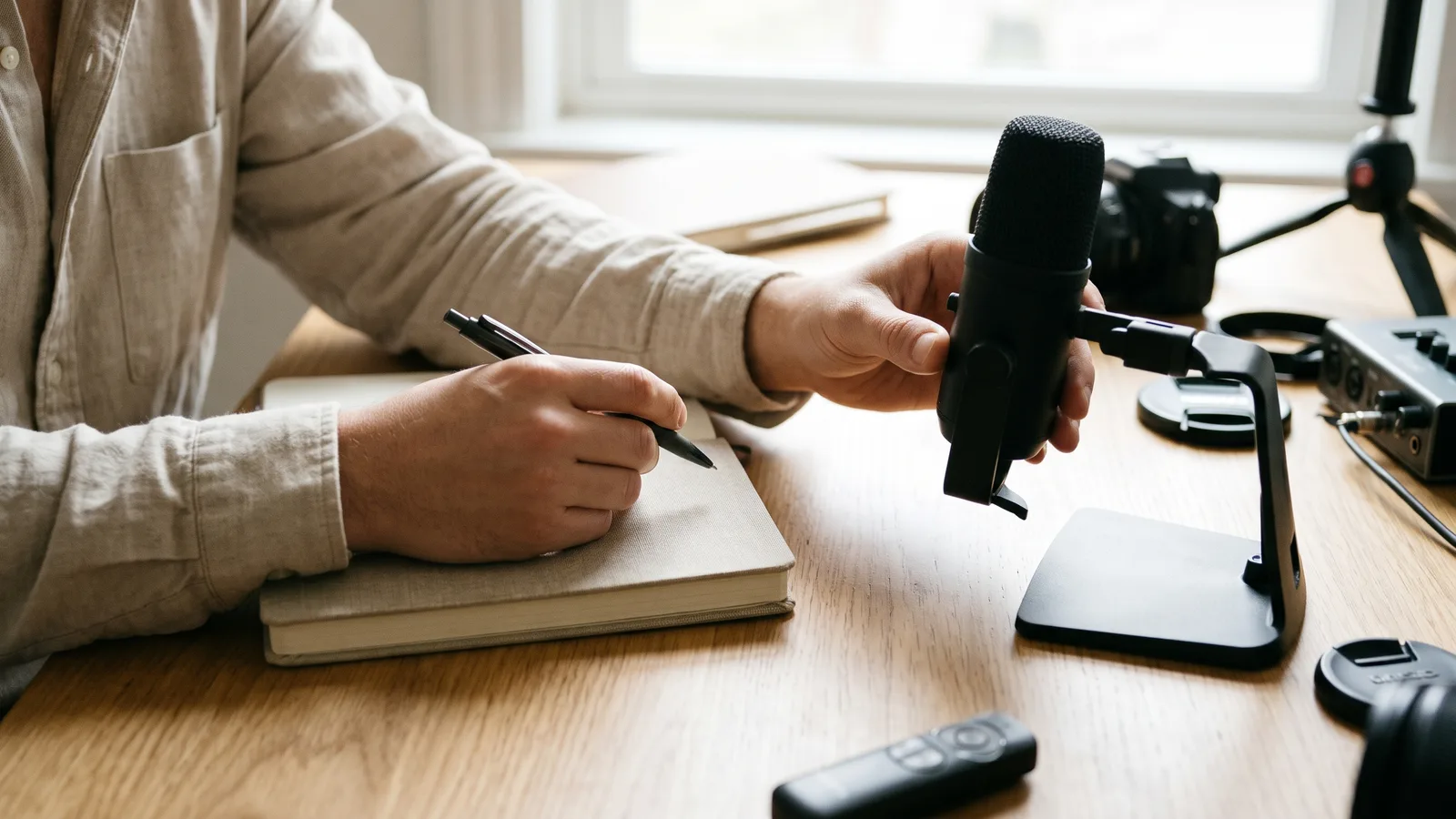
Check your script before you record: read-aloud timing and retention-curve review
Read the whole script aloud, standing, with a timer. Mark every sentence you stumble over and rewrite it shorter. Your recorded delivery will be slower than your silent reading, so a script that feels tight on the page usually runs long on camera.
Run this checklist before you press record:
- The hook names the payoff and matches the title you drafted.
- No greeting, logo or channel intro before the hook.
- Every beat has a name you could say out loud.
- One open loop is planted early and paid off before the end.
- Each section runs long enough to stand as a chapter.
- The outro makes one clear ask, written to fit the end-screen window.
- You read it aloud and timed it, not just skimmed it.
The most common failure is the throat-clearing intro: 40 seconds of context before the video delivers anything. Fix it by deleting the first paragraph you wrote and starting at the second — nine times out of ten, nothing is lost.
After publishing, compare the script to the curve. Teleprompter.com’s audience retention guide notes that YouTube Studio’s audience retention report labels four key moments — Intro, Top Moments, Spikes and Dips — and you should confirm the labels in your own Studio. Match each dip to the beat that was playing, then cut or move that beat in the next script.
Frequently asked questions
How long should a YouTube script be?
Long enough to fill your target runtime at your real speaking pace, which you find by reading aloud with a timer rather than counting words. For vertical video there is a ceiling: YouTube Help states the Shorts camera records one or more clips adding up to three minutes.
Should I write word for word or just use bullet points?
Script word for word when precision matters — explainers, Shorts, sponsor reads and anything with numbers in it. Use bullets for vlogs, reactions and interviews, where a polished sentence can sound stiff. Most tutorials do best as a hybrid: hook and outro written out, middle bulleted.
What makes a hook fail?
Three things, usually. It greets the viewer instead of promising something, it explains background the viewer did not ask for, or it does not match the title that earned the click. Rewrite it so the first sentence names the payoff the thumbnail implied.
Where do open loops belong in the script?
Plant one in the first beat, right after the hook, and resolve it before the final beat so the payoff still has video left to run. Two loops are the practical limit in a short video; more than that reads as a bait pattern and viewers stop trusting the next one.
How do I know whether the script actually worked?
Publish, wait for enough views to smooth the curve, then open the audience retention report in YouTube Studio and line up each drop with the beat that was playing at that timestamp. The review method, including which moments the report marks, is covered in the final section above.
Sources
This article was drafted with AI assistance and published by the YouTube Creators Editorial Team after its facts were checked against the sources listed above.