We selected six channels published by nonprofits, schools and legacy publishers rather than anonymous uploaders — Khan Academy Kids, SciShow Kids, National Geographic Kids, TED-Ed, Ms Rachel and Crash Course Kids — and the basis is publisher accountability, not a popularity ranking.
How we compared
Choosing for a four-year-old and choosing for a fourth-grader are two different jobs. A toddler needs slow speech, repetition and pauses; a nine-year-old needs a hook, a question and an explanation that survives a follow-up. The six channels below were sorted against the same six axes.
The axes used for every channel:
- Age fit — the band the pacing actually serves, not the band the thumbnail targets.
- Who publishes it — a nonprofit, a legacy publisher, an educator-led studio, or a single creator.
- Teaching intent — whether a kid finishes the video knowing something specific.
- Episode pacing — whether an episode ends cleanly before the school run does.
- Cost per hour of watching — all six stream free, so the comparable unit is ads per hour plus how much adult supervision that hour needs.
- Control surface — how the channel behaves inside YouTube Kids, a supervised account, or an approved-content list.
The audience question is not hypothetical. Pew Research Center reports that nine-in-ten U.S. teens ages 13 to 17 say they ever use YouTube, down slightly from 95% in 2022. Pew Research Center also reports that 73% of U.S. teens go on YouTube daily, including 15% who say they use it almost constantly.
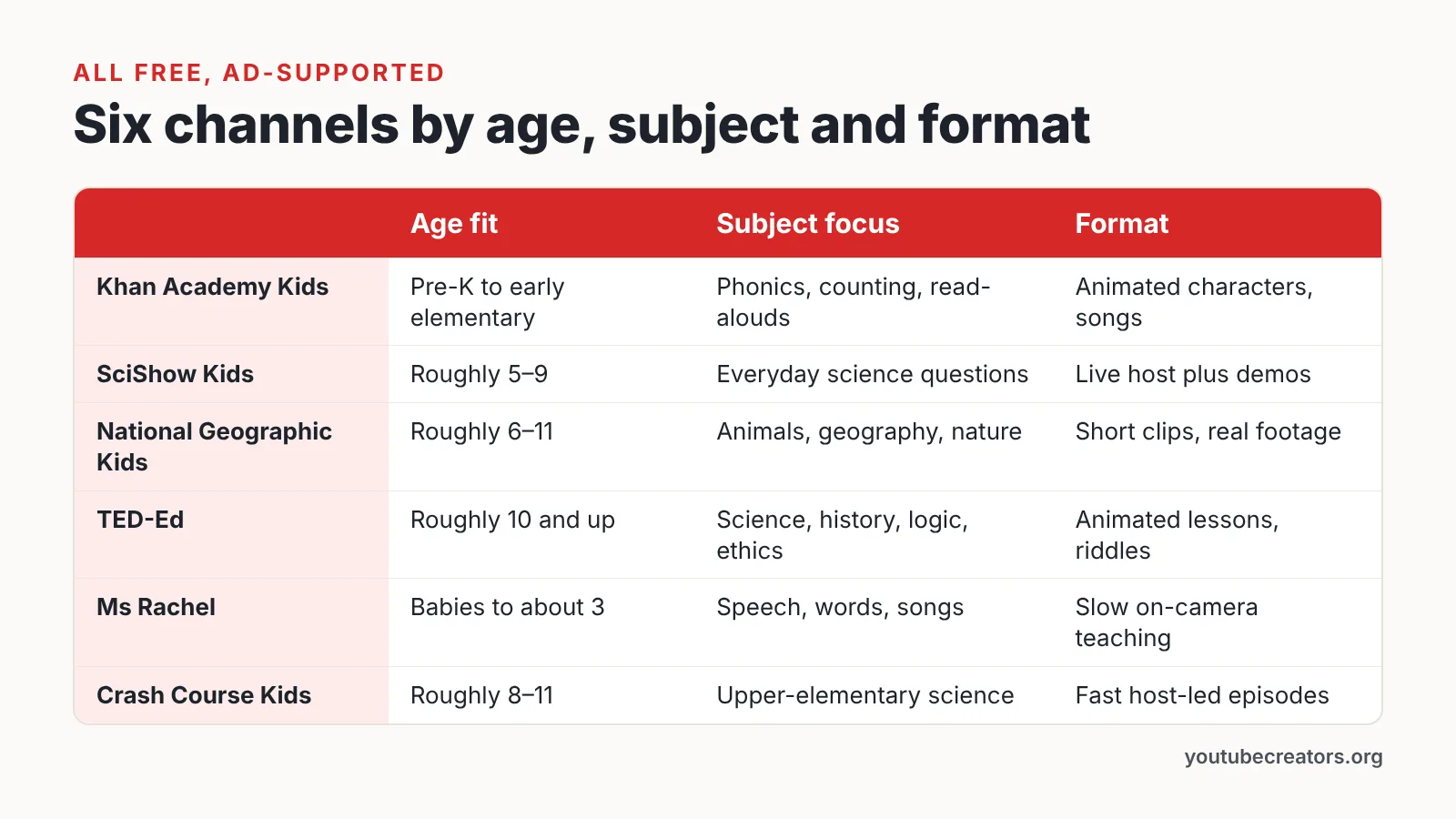
| Channel | Age fit | Subject focus | Format | Who’s behind it | Cost to watch |
|---|---|---|---|---|---|
| Khan Academy Kids | Pre-K to early elementary | Phonics, counting, read-alouds | Animated characters, songs | Nonprofit education org | Free, ad-supported |
| SciShow Kids | Roughly 5–9 | Everyday science questions | Live host plus demos | Educational video studio | Free, ad-supported |
| National Geographic Kids | Roughly 6–11 | Animals, geography, nature | Short clips, real footage | Legacy magazine publisher | Free, ad-supported |
| TED-Ed | Roughly 10 and up | Science, history, logic, ethics | Animated lessons, riddles | Educator-written lesson team | Free, ad-supported |
| Ms Rachel | Babies to about 3 | Speech, words, songs | Slow on-camera teaching | Creator-led toddler channel | Free, ad-supported |
| Crash Course Kids | Roughly 8–11 | Upper-elementary science | Fast host-led episodes | Educational video studio | Free, ad-supported |
What we checked, and what we couldn’t
Checked: who publishes each channel, how episodes are structured, the age the pacing serves, whether the catalogue stays consistent across uploads, and whether the channel slots cleanly into a parent-approved list.
Not checked: no classroom trial ran here, no learning outcomes were measured, and nobody watched every upload on any of these channels. Ad load varies by account and country, playlists change, and the sidebar of suggested videos behaves differently for every child. Treat the table as a starting shortlist, not a safety guarantee.
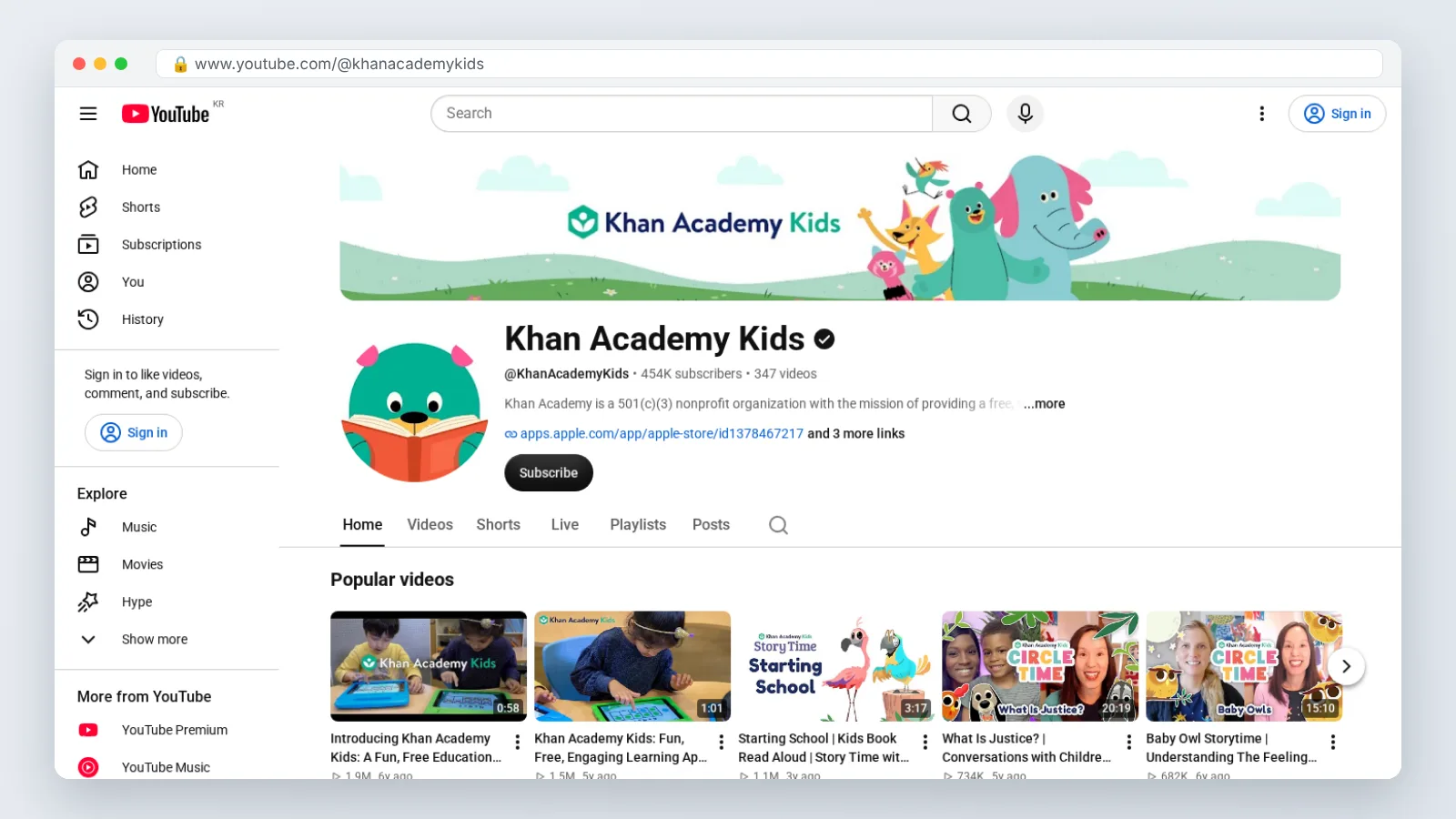
1. Khan Academy Kids
Khan Academy Kids is the early-learning arm of the nonprofit behind Khan Academy, and the YouTube channel works as a sampler of that library. You get read-alouds, letter-sound practice, counting songs and short stories built around a cast of animal characters. The pacing is deliberate and the voices are warm rather than loud.
Age framing matters here, and the platform’s own bands give you a reference point: YouTube Help states that YouTube Kids’ Preschool content setting is designed for kids 4 and under, Younger for ages 5–8, and Older for ages 9–12.
The real depth sits in the free app, where lessons are sequenced and track progress. The channel is best used as low-stakes screen time that points in the same direction as what your child is doing offline.
Best for: pre-K and kindergarten families who want letters, numbers and stories from a nonprofit rather than an ad-funded toy channel.
Skip it if: your child already reads short chapter books — the phonics pacing will feel like a crawl and they will click away to something louder.
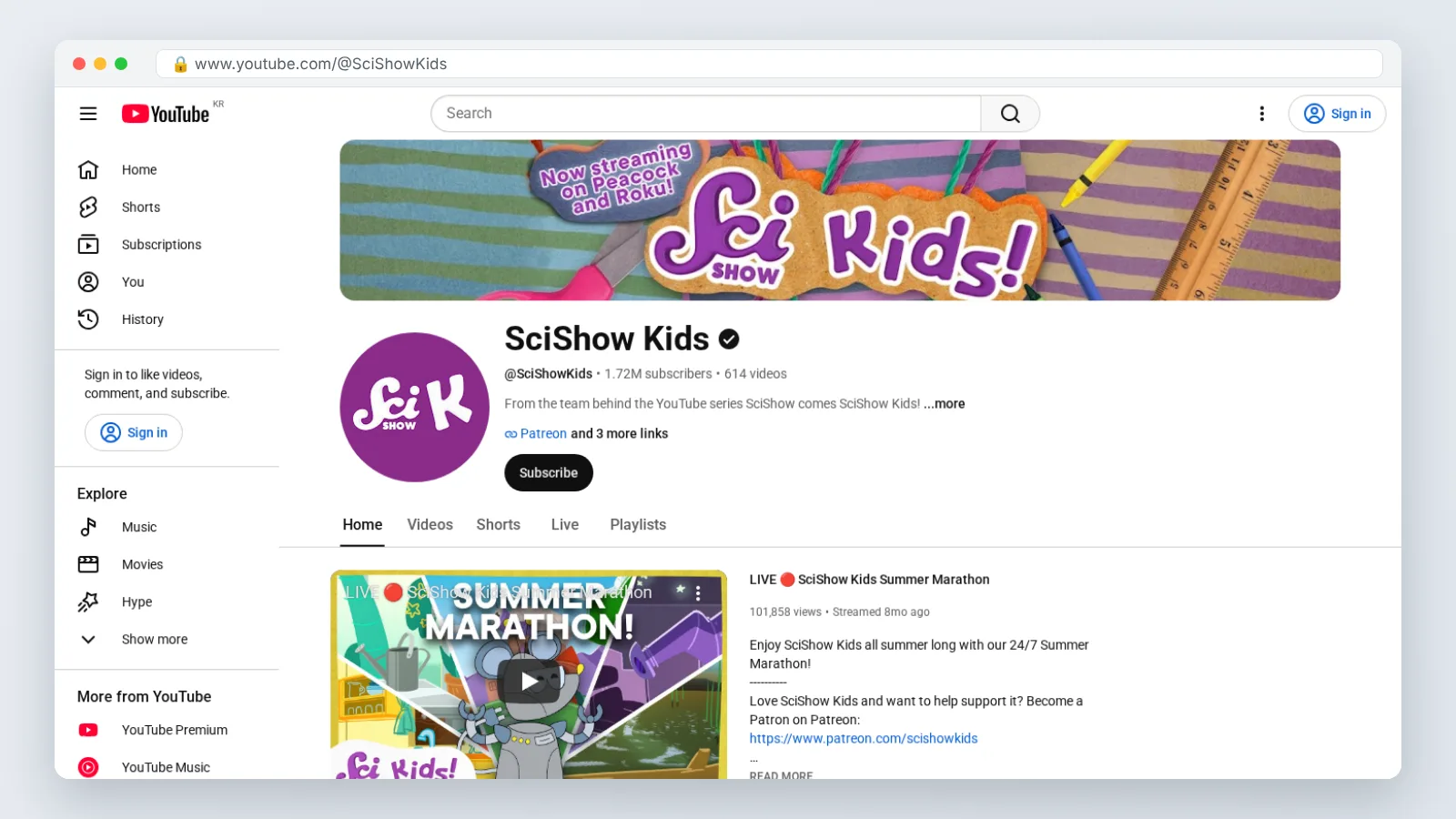
2. SciShow Kids
SciShow Kids answers the questions kids actually ask out loud: why do we yawn, where does the moon go in the daytime, why does ice float. A human host and a robot sidekick carry each episode, and many end with a demo you can repeat using kitchen gear. Nothing is dressed up as magic; the explanation is the payoff.
This channel lives on the main YouTube app rather than inside a walled toddler garden, which raises the account question. Internet Matters notes that YouTube’s terms of service require account holders to be at least 13 years old, which is why under-13s are pointed to YouTube Kids.
For a curious six-year-old, the format rewards watching together. You answer the follow-up question the episode triggers, and the demo turns passive watching into something hands-on.
Best for: kids aged roughly 5–9 who ask "but why" faster than you can answer it.
Skip it if: you want curriculum-aligned sequencing — the catalogue is question-driven, so it jumps between biology, weather and physics with no ladder.
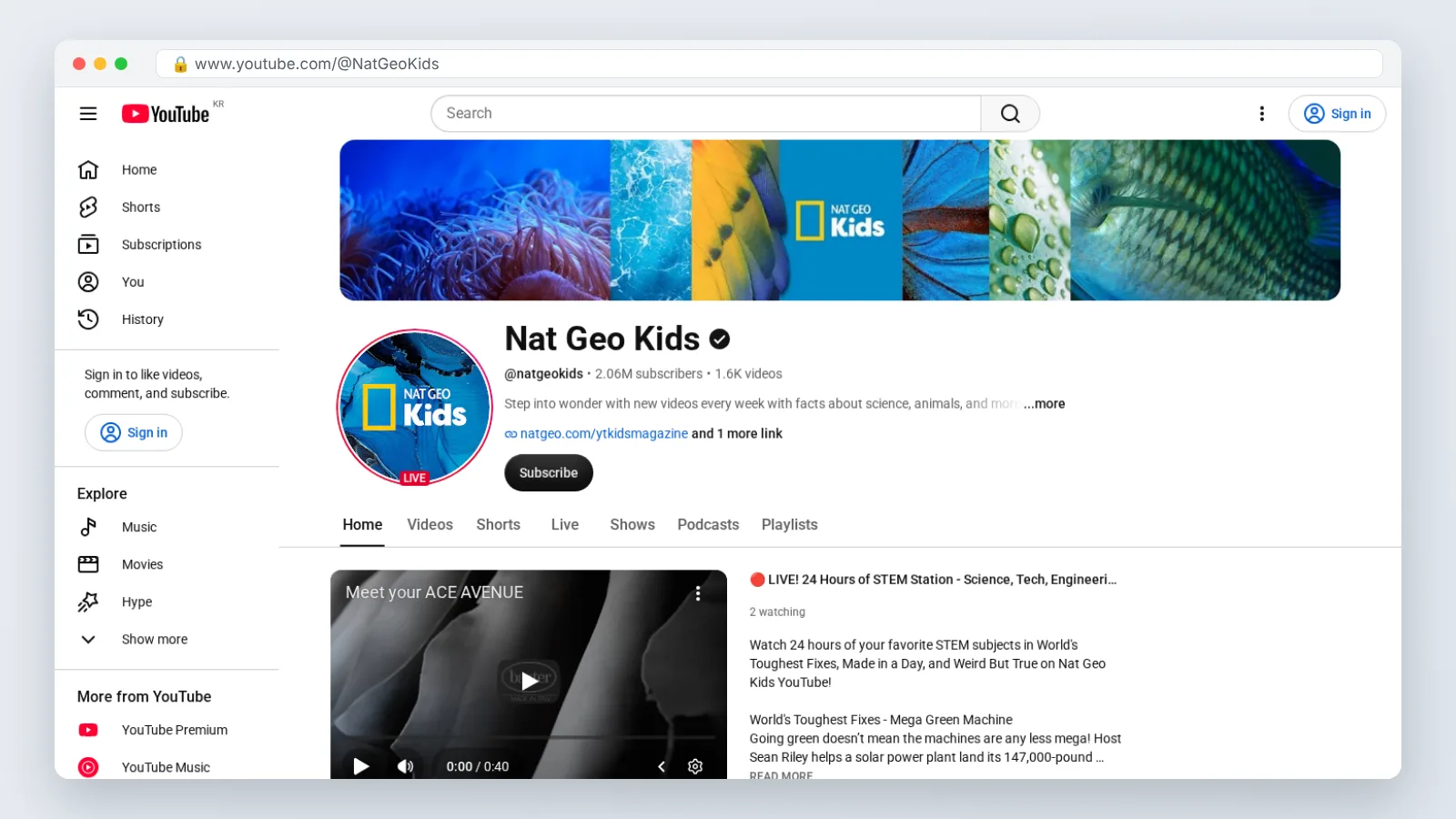
3. National Geographic Kids
National Geographic Kids trades on the one thing a cartoon can’t fake: real footage of real animals, shot by people who do this for a living. Clips run short, facts are punchy, and the tone sits closer to wonder than to classroom instruction. Shark segments and weird-animal facts do the heavy lifting with reluctant watchers.
Where you let a child watch changes what they can reach. YouTube’s official family page says YouTube Kids carries a smaller catalogue of videos than a supervised kid account on the main YouTube app, so the same channel can feel bigger or smaller depending on which door you open.
Use it as the gateway channel. A child who loves the octopus clip is one search away from a longer wildlife documentary, and that transition is worth supervising.
Best for: animal-obsessed kids aged roughly 6–11, and families who want nature content from a publisher with a reporting history.
Skip it if: you need reading or math practice, or your child gets upset by predation and hunting scenes — real footage does not soften the ending.
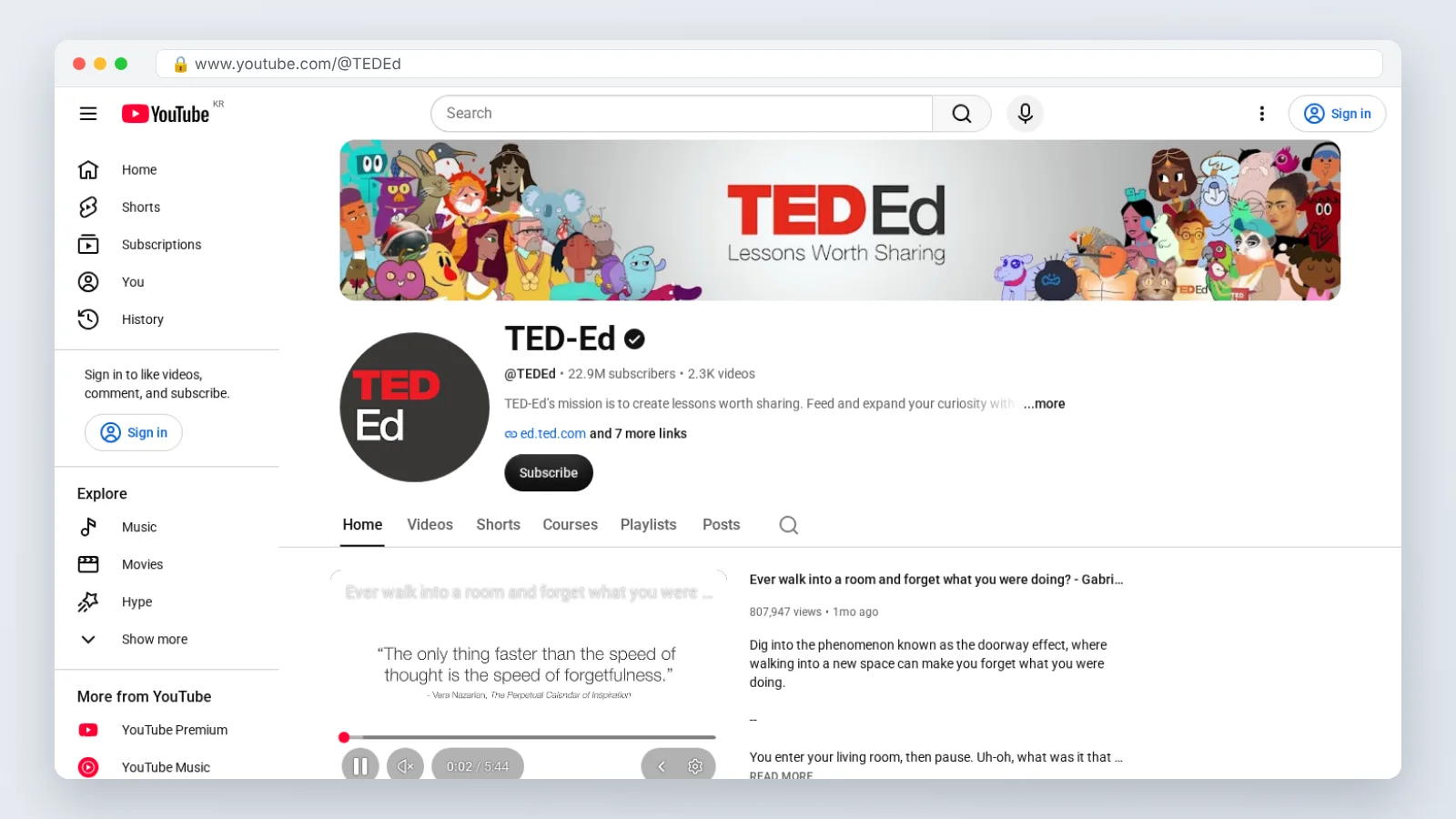
4. TED-Ed
TED-Ed publishes animated lessons written with teachers and voiced like short documentaries: logic riddles, history explainers, ethics puzzles, body-science walkthroughs. The animation style changes per episode, which keeps a ten-year-old from pattern-matching into boredom. Scripts assume comfortable reading-level vocabulary and move quickly.
Teachers use these as lesson openers because each video poses a question before it resolves one. That same structure works at a kitchen table if you pause before the answer and let your kid guess.
Setting up access without handing over a full adult account is possible. YouTube For Families Help explains that parents of a child under 13 can set up a supervised Google Account so the child can use the main YouTube app with parental controls.
Best for: kids aged roughly 10 and up, plus teachers who want a short class opener before a lesson.
Skip it if: your child is under eight, or the household avoids heavier subject matter — the catalogue includes war, death, disease and moral dilemmas handled seriously rather than gently.
5. Ms Rachel – Toddler Learning Videos
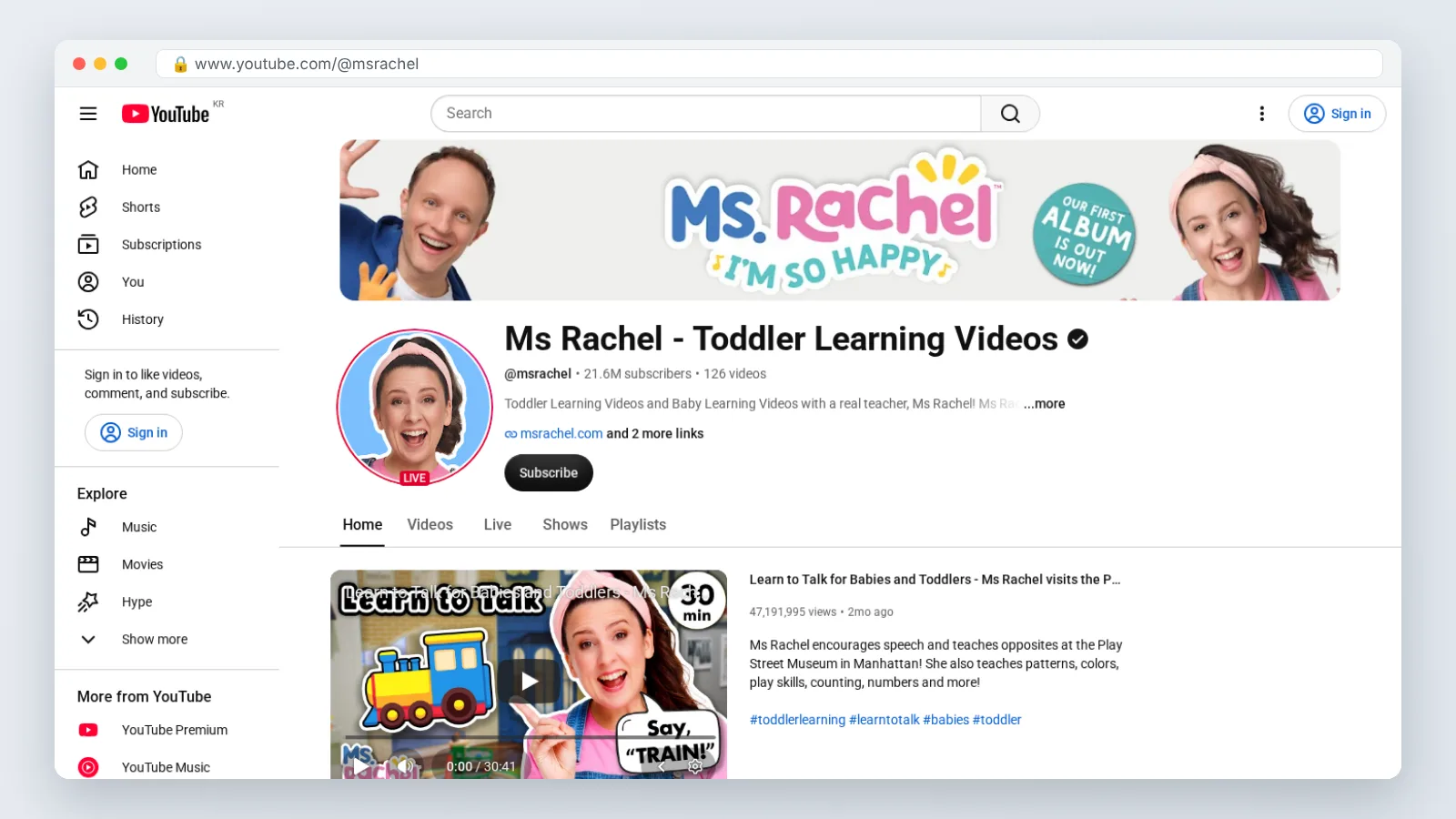
Ms Rachel built this channel on speech-and-language modeling rather than entertainment: slow sentences, exaggerated mouth shapes, long pauses that invite a toddler to answer, and songs that repeat target words. In our reading, that modeling — not the songs — is what separates the channel from general toddler entertainment. Episodes are long, which is a feature during a feeding and a problem at bedtime.
Households with more than one child can split settings rather than compromise. The eSafety Commissioner of the Australian Government notes that the YouTube Kids app allows parents to create up to 8 separate child profiles, each with its own content and settings.
Set an explicit stop point before you press play. The episodes are built to run long, and the natural ending is not where a toddler’s attention span sits.
Best for: babies through about age three, especially families working on first words alongside a speech therapist.
Skip it if: your child is already in kindergarten — the pacing reads as babyish to a five-year-old, and they will ask for something else within a minute.
6. Crash Course Kids
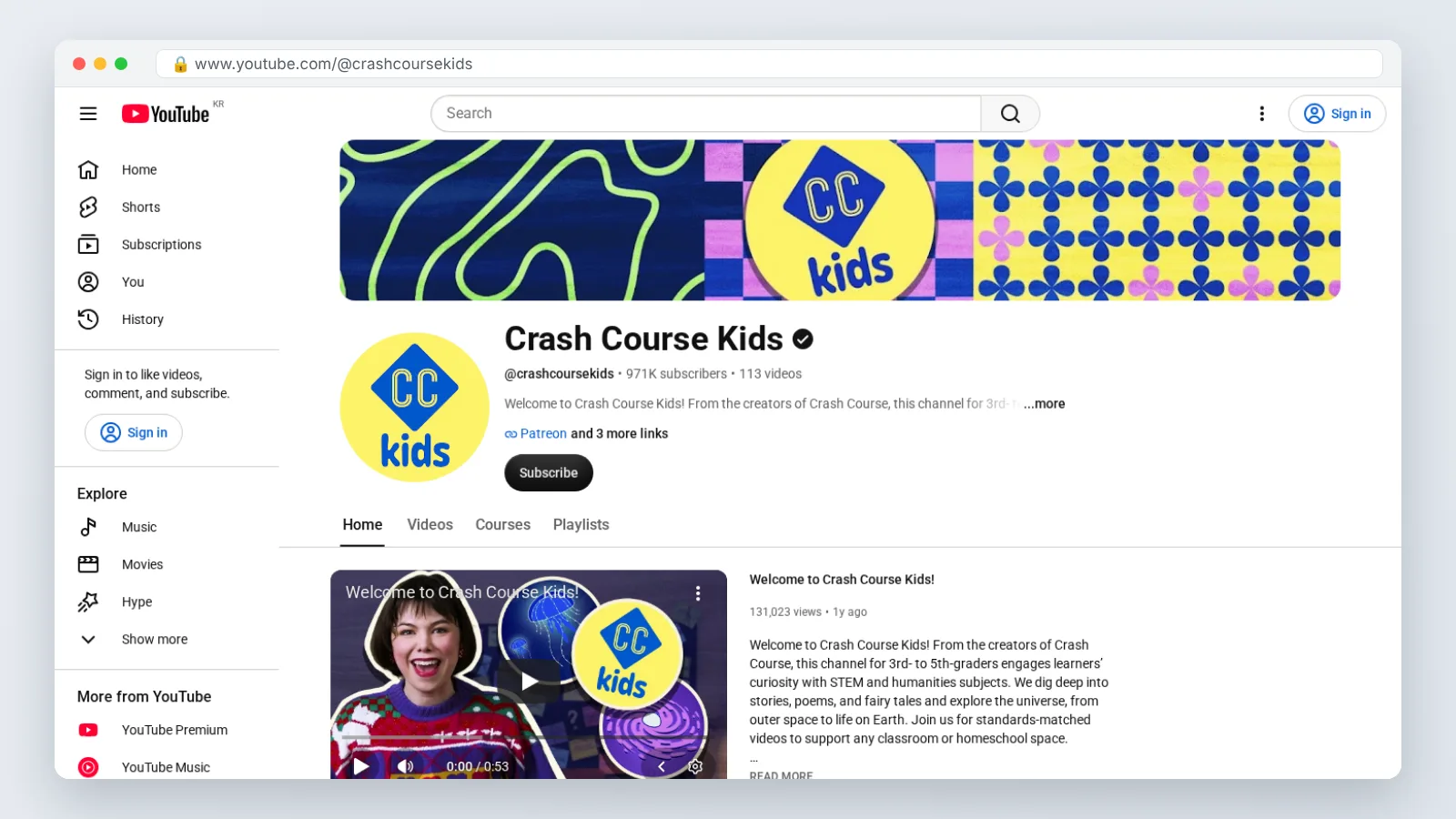
Crash Course Kids covers upper-elementary science — ecosystems, engineering design, forces, the water cycle — in fast, host-led episodes with on-screen diagrams. The energy is closer to an enthusiastic substitute teacher than a bedtime story. The back catalogue is the draw; check the upload dates before you plan around new episodes, and treat it as an archive you work through rather than a feed you follow.
An archive is the easiest kind of catalogue to control. YouTube’s official family page documents that parents can set screen time limits, restrict viewing to an "Approved Content Only" list, and block specific videos and channels.
Pair episodes with whatever unit your child’s class is covering. The structure holds up as review, and a single-sitting recap before a test does more than a rewatch of a cartoon.
Best for: kids aged roughly 8–11 who need science concepts explained a second way after school covered them once.
Skip it if: your child is under seven or still building listening stamina — the delivery is quick, and the vocabulary assumes some prior classroom exposure.
Which one fits you
Parents are the practical gatekeepers for all six of these channels, and the platform reaches them too: Pew Research Center reports that as of 2024, 85% of U.S. adults said they ever use YouTube, more than Facebook (70%) or Instagram (50%).
| Your situation | Start with | Why |
|---|---|---|
| Toddler working on first words | Ms Rachel | Slow speech, pauses for a response, heavy repetition |
| Pre-K child learning letters and counting | Khan Academy Kids | Nonprofit early-learning content that matches a free app |
| Six-year-old who asks constant "why" questions | SciShow Kids | Question-led episodes ending in a kitchen-table demo |
| Animal-obsessed eight-year-old | National Geographic Kids | Real wildlife footage, short clips, publisher-backed facts |
| Eleven-year-old who finds school content shallow | TED-Ed | Lesson-style explainers with riddles and open questions |
| Child revising elementary science for a test | Crash Course Kids | Back catalogue you can map to a classroom unit |
| Teacher needing a short class opener | TED-Ed | Poses a question before resolving it, built for discussion |
| Two kids, different ages, one tablet | Separate profiles first | Settings per child beat compromising on one shared feed |
Build the list before you hand over the device. Watch one full episode of a channel yourself, add it to an approved-content list, then let your child loose inside that boundary rather than inside the open recommendation feed.
Revisit the list each term. A channel that fit a five-year-old in September often bores the same child by spring, and the sign is simple: they stop asking questions after the video ends.
Frequently asked questions
Is YouTube Kids or a supervised account better for these channels?
YouTube’s official family page says YouTube Kids carries a smaller catalogue than a supervised kid account on the main app, so YouTube Kids suits younger children while a supervised account gives older kids access to TED-Ed and Crash Course Kids with controls still attached.
What age can my child have their own YouTube account?
Internet Matters notes that YouTube’s terms of service require account holders to be at least 13 years old, which is why under-13s are pointed to YouTube Kids. YouTube For Families Help adds that parents of a child under 13 can set up a supervised Google Account instead.
How do I stop autoplay pulling my kid toward junk content?
YouTube’s official family page documents that parents can set screen time limits, restrict viewing to an "Approved Content Only" list, and block specific videos and channels. Build the approved list from channels you have watched yourself, then review it every school term.
Can one tablet work for a toddler and an older sibling?
Yes, with separate profiles. The eSafety Commissioner of the Australian Government notes that the YouTube Kids app allows parents to create up to 8 separate child profiles, each with its own content and settings, so a toddler’s feed never inherits a ten-year-old’s history.
Can these channels replace school science or reading instruction?
No. These six channels work as reinforcement, curiosity fuel and review — a Crash Course Kids episode before a test, or a SciShow Kids demo after a lesson. None provides assessment, feedback on mistakes, or the sequencing a teacher builds across a year.
Sources
- 5 facts about Americans and YouTube — Pew Research Center
- Content policies for YouTube Kids — YouTube Help
- YouTube Kids — eSafety Commissioner (Australian Government)
- YouTube and YouTube Kids — Internet Matters
- Parental controls & settings for supervised experiences on YouTube — YouTube For Families Help
- YouTube for Families — YouTube
This article was drafted with AI assistance and published by the YouTube Creators Editorial Team after its facts were checked against the sources listed above.